
Dev Log – Day 8
Summary
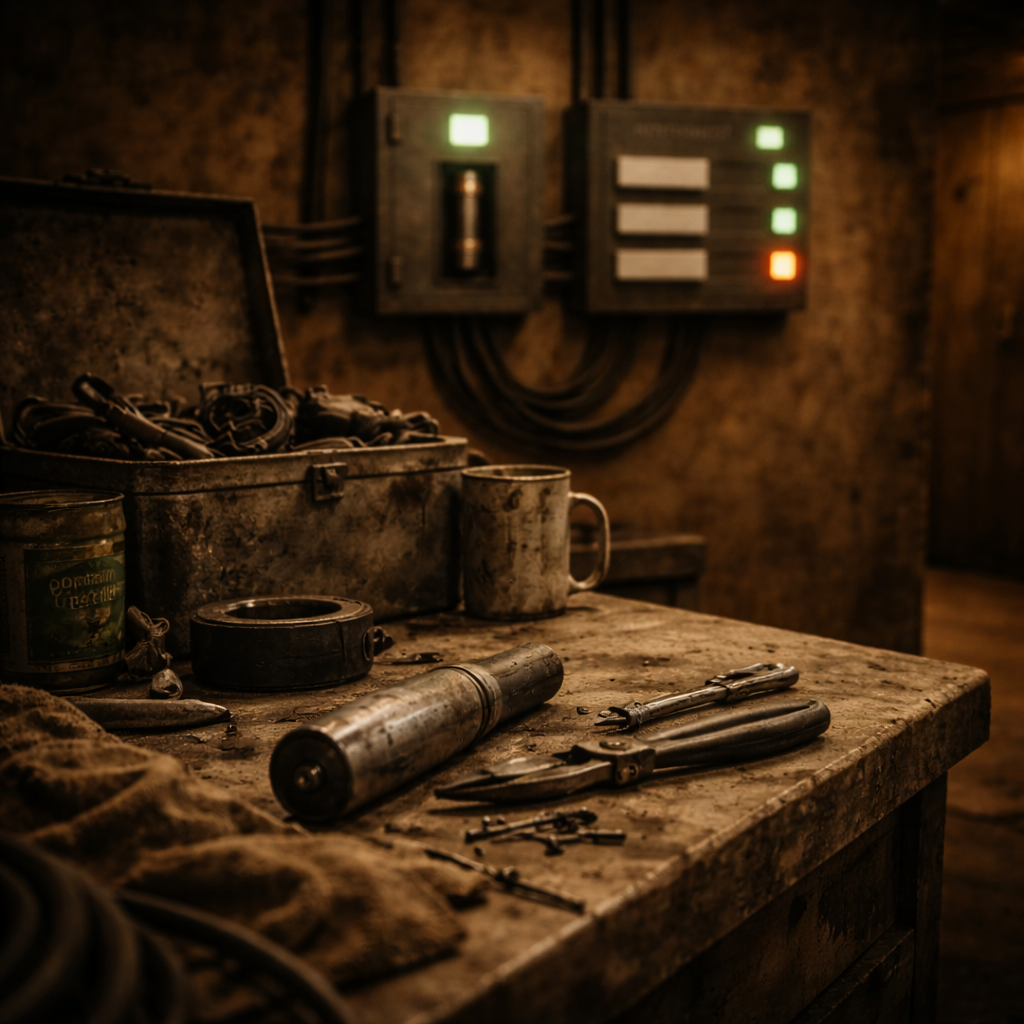
Day 8 focused on completing Puzzle C’s power-routing switch panel and fully integrating Puzzles A, B, and C into Room 1 (Maintenance Room). Work finalized Puzzle C’s logic, visual feedback, and dependency on Puzzle B, then moved all puzzles out of the test area and into their intended room layout. The day concluded with a full end-to-end Room 1 playthrough from a clean start, confirming that all puzzles function correctly together with no missing references or broken states.
What I Worked on Today
Level 1 – Puzzle C – Power Routing Switch Panel (Implementation Chunk)
Intent
Implement the Level 1 power routing puzzle where the player activates three wired switches in the correct order to restore power and unlock the exit door. The switch panel stays inactive until Puzzle B completes and uses readable light feedback (off/dim/on) to guide progression.

What Actually Happened
A dedicated Puzzle C controller (BP_SwitchPanel_L1C) was built as a child of BP_Trigger, gated by a bIsPowered flag that only becomes true after Puzzle B. Three switch actors (BP_Switch) were wired to report their index back to the panel, which tracked progression via CurrentStage and enforced strict order. Incorrect activations trigger a full reset path with a short delay so ON feedback is briefly visible, while correct activations advance stage, drive device trigger calls, and update per-device emergency light feedback. On completion, the final stage refreshes visuals and triggers DoorPower so the exit door can be unlocked.


Accomplished
- [STEP] Created BP_SwitchPanel_L1C as a new child blueprint of BP_Trigger to serve as the base actor for Puzzle C
- [STEP] Assigned the Switch Panel mesh to BP_SwitchPanel_L1C
- [STEP] Added BP_SwitchPanel_L1C state variables for three switches (bSwitch1On/bSwitch2On/bSwitch3On) and progression tracking (CurrentStage, bPuzzleSolved)
- [TEST] Verified BP_SwitchPanel_L1C can be placed in Level 1 and retains default state values without errors
- [STEP] Created Puzzle C device actors (Camera / Alarm / DoorPower) as child blueprints of BP_Trigger
- [STEP] Assigned BP_Emergency indicator lights to each device via BP_Trigger LightA (leaving LightB/LightC unused where not needed)
- [STEP] Exposed per-device light tuning via instance variables (color / glow intensity / light intensity) to support Puzzle C state readability
- [STEP] Created BP_Switch as a child of BP_Trigger to represent individual switch interactables for Puzzle C
- [STEP] Implemented LookAt feedback and Interact behavior on BP_Switch, including calling OnTriggered and animating switch movement via relative location
- [STEP] Created BP_SwitchPanel_L1C as the Puzzle C controller and added a power gate using bIsPowered to block interaction until Puzzle B completes
- [STEP] Implemented OnTriggered handling on BP_SwitchPanel_L1C to set bIsPowered true when powered by an external trigger
- [STEP] Added instance-editable array of BP_Switch references on BP_SwitchPanel_L1C to register the three puzzle switches
- [STEP] Added per-switch state tracking variables (bSwitch1_On, bSwitch2_On, bSwitch3_On) on BP_SwitchPanel_L1C
- [STEP] Added instance-editable BP_Trigger references on BP_SwitchPanel_L1C for Puzzle C device nodes (Camera, Alarm, Door Power Box)
- [STEP] Wired Puzzle B completion into BP_SwitchPanel_L1C power gate so bIsPowered becomes true only after the Fuse Panel triggers successfully
- [STEP] Added a LightA emergency light to BP_SwitchPanel_L1C and updated it to green as a visual cue when bIsPowered becomes true
- [STEP] Added a bIsPowered branch gate before applying emergency light visuals to ensure the “powered” light state only applies after Puzzle B success
- [STEP] Added ParentPanel (BP_SwitchPanel_L1C ref) to BP_Switch as an instance-editable link back to the owning switch panel
- [STEP] Added SwitchIndex (int, instance-editable) to BP_Switch so each switch can identify itself to the switch panel
- [STEP] Updated BP_Switch interact flow to notify ParentPanel via OnSwitchActivated(SwitchIndex, self) with IsValid guarding
- [STEP] Created BP_SwitchPanel_L1C entry point OnSwitchActivated(InSwitchIndex, InSwitch) to receive switch activation events from BP_Switch
- [TEST] Verified each BP_Switch instance reports to BP_SwitchPanel_L1C via OnSwitchActivated with the correct SwitchIndex (1–3)
- [STEP] Gated BP_SwitchPanel_L1C OnSwitchActivated with bIsPowered so switches do nothing until Puzzle B powers the panel
- [STEP] Implemented Switch on Int logic in BP_SwitchPanel_L1C OnSwitchActivated to map InSwitchIndex (1–3) to the corresponding bSwitchX_On state
- [STEP] Added CurrentStage (int) to BP_SwitchPanel_L1C to track Puzzle C progression and enforce switch activation order
- [STEP] Wired each Switch-on-Int (0/1/2) case to set the matching bSwitchX_On and increment CurrentStage to advance Puzzle C progression
- [STEP] Identified wrong-order execution path in BP_SwitchPanel_L1C using the false branch of (InSwitchIndex == CurrentStage)
- [STEP] Implemented puzzle reset logic: wrong switch activation resets CurrentStage to 0 and clears all bSwitchX_On states
- [STEP] Ensured wrong-order reset path exits cleanly without advancing stage or triggering downstream components
- [TEST] Verified switch indices (0,1,2) align with CurrentStage progression starting at 0 and enforce strict activation order
- [STEP] Wired Puzzle C progression to trigger CameraTrigger (stage 0), AlarmTrigger (stage 1), and DoorPowerTrigger (stage 2)
- [STEP] Added Puzzle C fail state to reset Camera/Alarm/DoorPower triggers back to unpowered on incorrect order
- [STEP] Added BP_Switch ResetSwitchVisual function to return switches to OFF state and re-apply emergency light visuals
- [STEP] Added BP_SwitchPanel_L1C ResetPuzzle to clear states and reset all switches
- [STEP] Added a short delay before enforcing reset so incorrect activation feedback is briefly visible
- [STEP] Created BP_SwitchPanel_L1C UpdateStageFeedback to drive visual state per stage
- [STEP] Defined Off/Dim/On emergency-light presets and applied them via BP_Trigger.ApplyEmergencyLightVisuals
- [STEP] Added Puzzle C completion handling to refresh final feedback and trigger DoorPower
- [TEST] Verified Puzzle C remains inactive until powered
- [TEST] Verified correct order advances stages correctly
- [TEST] Verified incorrect order resets cleanly
- [TEST] Verified final stage triggers DoorPower and can unlock the exit door

Level 1 – Room 1 – Integrate Puzzles A/B/C Into Maintenance Room
Intent
Move the already-built Puzzle A, B, and C actors out of the test area and into Room 1 (Maintenance Room) with correct placement, wiring/trigger hookups, and a verified end-to-end progression flow.
What Actually Happened
Puzzle A was placed into Room 1 and validated to ensure correct keypad, locker, and Fuse behavior. Puzzle B was integrated and confirmed to consume the Fuse and power downstream systems. Puzzle C was verified to remain gated until Puzzle B powers it, with correct interaction behavior and reset logic. Camera, Alarm, and DoorPower triggers were assigned and confirmed to update emergency lights correctly. A full end-to-end Room 1 playthrough was completed using only in-room content.

Accomplished
- [STEP] Integrated Puzzle A into Room 1 with final placement, interaction wiring, and state validation
- [TEST] Verified Puzzle A fully functional in Room 1: keypad interaction works, code 314 unlocks the locker, Fuse is unobtainable before unlock and collectible exactly once after unlock
- [STEP] Integrated Puzzle B into Room 1 and verified Fuse insertion powers the panel and triggers downstream systems
- [STEP] Verified Puzzle C is gated by Puzzle B and updates its emergency light to indicate powered state
- [TEST] Verified Puzzle C interactions in Room 1: correct sequence progresses, incorrect order resets with no soft-lock
- [STEP] Assigned Camera, Alarm, and DoorPower triggers for Puzzle C in Room 1 and verified emergency light feedback
- [TEST] Completed full end-to-end Room 1 playthrough from a clean start with no missing or broken references
Technical Notes
- Using BP_Trigger as a shared base simplified chaining, visual feedback, and reuse across Puzzle C components.
- Indexed switch reporting combined with CurrentStage kept Puzzle C logic deterministic and debuggable.
- Emergency light presets provided consistent, UI-free feedback across all puzzle stages.
Challenges & Lessons Learned
- Integrating puzzles into the real level exposed reference issues not visible in the test area, reinforcing the importance of early in-room validation.
- Ensuring incorrect input feedback was visible before reset required careful timing and explicit reset paths.
Next Steps
- Begin visual and prop polish for Room 1 now that functionality is stable.
- Replace placeholder meshes with closer-to-final assets for lockers, fuse panel, and switch panel.
- Prepare the next room’s puzzle integration using Room 1 as the baseline pattern.