
Dev log – Day 7
Summary
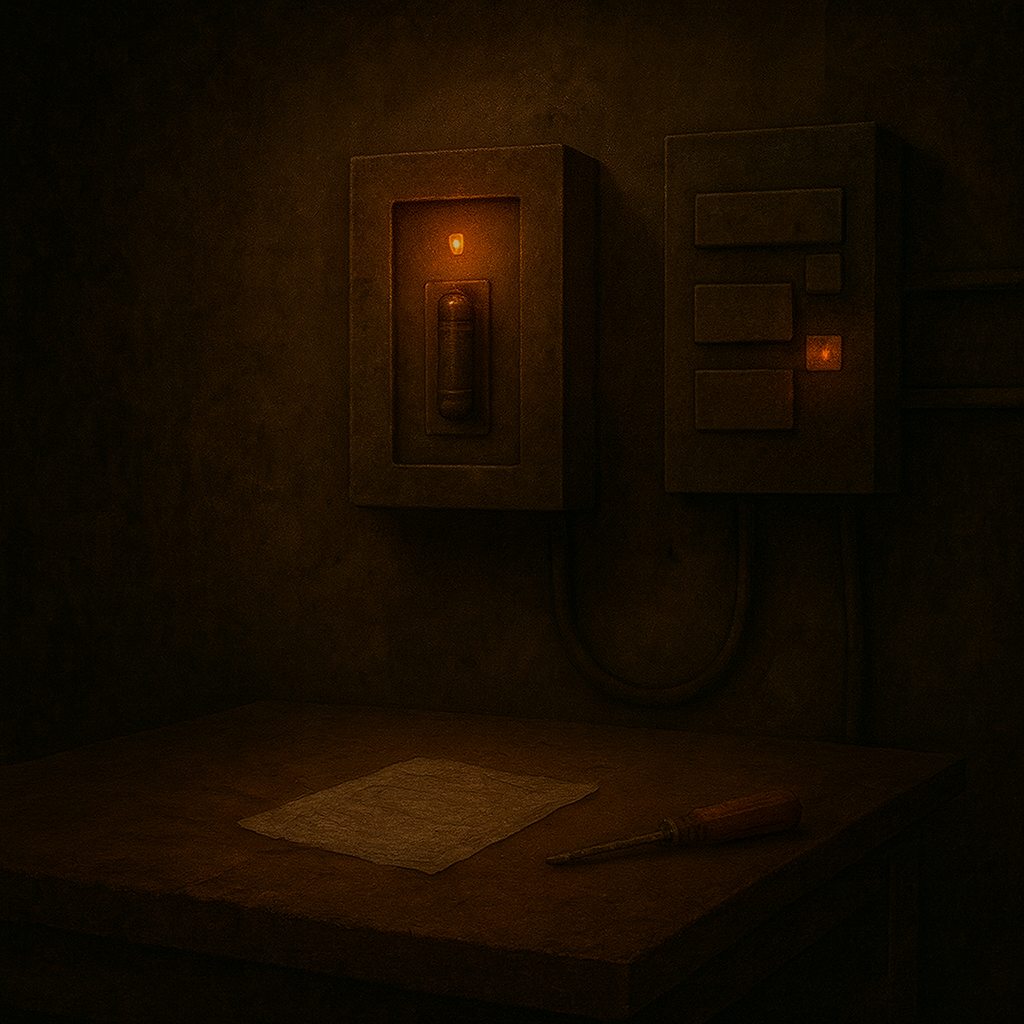
Today was focused on locking in two core gameplay systems to support Level 1 progression and consistent puzzle feedback. I implemented the Level 1 Fuse Panel interaction as a one-time, persistent “restore power” action that consumes a Fuse from inventory and triggers downstream progression (validated using a door as a stand-in for Puzzle C). In parallel, I expanded BP_Trigger to support up to three linked BP_Emergency lights with per-light instance configuration, then upgraded that system with a single reusable function (ApplyEmergencyLightVisuals) so child/instance blueprints can refresh light visuals without duplicating Blueprint logic.
What I Worked on Today
Level 1 – Puzzle B – Fuse Placement – Restore Power via Fuse Panel
Intent
Implement the Level 1 Fuse Panel so the player can insert a Fuse, consume it from inventory, restore power, and unlock access to Puzzle C. The interaction must be one-time, persistent, and block activation when requirements are not met.

What Actually Happened
The Fuse Panel was implemented by duplicating and adapting an existing podium-based interaction pattern into a dedicated BP_FusePanel_L1B actor. Fuse insertion logic was wired to consume the item, set a persistent powered state, and trigger downstream progression using a one-time gate. Interaction feedback was updated to reflect the powered state, and temporary success indicators were removed after validation. The system was tested end-to-end using a door as a stand-in for Puzzle C, confirming correct blocking behavior, single activation, and inventory consumption.
Accomplished
- [STEP] Created
BP_FusePanel_L1Bas a child ofBP_Triggerand placed it in Level 1 - [STEP] Duplicated
BP_PodiumintoBP_FusePanel_L1B(child ofBP_Trigger) and swapped the mesh to the Fuse Panel mesh - [STEP] Cleaned
BP_FusePanel_L1Bof podium-specific visuals while preserving the item-insert and consume-on-success logic - [STEP] Wired
BP_FusePanel_L1Bto callOnTriggeredafter successful fuse insert, with a one-time gate to block re-inserting - [STEP] Renamed fuse state variable to
bFuseInsertedand updated interaction feedback to reflect powered state after insertion - [TEST] Used
BP_FusePanel_L1Btrigger output to unlock aBP_Dooras a stand-in for Puzzle C activation - [FIX] Removed temporary Puzzle B success indicators after validating trigger-to-door flow
- [TEST] Verified
BP_FusePanel_L1Bcannot be triggered again oncebFuseInsertedis true - [TEST] Verified FusePanel blocks activation when Fuse is missing and does not trigger the linked door
- [TEST] Verified inserting Fuse consumes the inventory item, sets
bFuseInsertedtrue, and triggers the linked door exactly once
Why This Matters
- Establishes a reusable, one-shot item insertion pattern for future puzzles
- Locks down power restoration as a persistent world state rather than a transient trigger
- Cleanly gates Puzzle C without adding new systems or dependencies

Gameplay System – BP_Trigger Multi-Light Support (BP_Emergency Linking)
Intent
Extend BP_Trigger so triggers can optionally drive up to three BP_Emergency lights with per-light instance-editable color and intensity settings. The system must be optional and non-breaking for triggers without assigned lights.
What Actually Happened
Support for multiple emergency lights was added to BP_Trigger by introducing three independent light references and exposing per-light visual parameters. Construction Script logic was updated to propagate color, glow intensity, and light intensity settings to each linked BP_Emergency actor. The system was validated to work with zero, one, two, or three assigned lights, and child blueprints inherited the configuration behavior without additional setup.

Accomplished
- [STEP] Added support for three independent
BP_Emergencylight references (LightA,LightB,LightC) toBP_Trigger - [STEP] Exposed per-light color, glow intensity, and light intensity variables on
BP_Triggerfor instance-level control - [STEP] Updated
BP_TriggerConstruction Script to propagate per-light visual parameters to linkedBP_Emergencyactors - [TEST] Verified
BP_Triggerinstances can drive 0–3 emergency lights with independent visual states via instance configuration
Why This Matters
- Establishes a reusable visual feedback hook for trigger-driven systems
- Allows puzzle state communication without adding puzzle-specific logic
- Keeps core trigger behavior unchanged when no lights are assigned
Gameplay System – BP_Trigger – Emergency Light Apply Function
Intent
Add a single reusable callable function on BP_Trigger that applies the instance-configured emergency-light visuals (color, glow intensity, light intensity) to up to three linked BP_Emergency lights, so child/instance blueprints can refresh visuals without duplicating Blueprint logic.
What Actually Happened
A new reusable function entry point was created on BP_Trigger to apply emergency-light visuals. A guarded helper function was added to safely apply settings to a provided BP_Emergency reference without errors when lights are missing. The main apply function was then implemented to update LightA/LightB/LightC using per-light configured values while preserving independent A/B/C settings. The Construction Script was refactored to call the new function so editor preview and runtime share the same logic. Finally, child blueprint invocation was verified, and the function was tested across 0–3 lights to confirm no errors and correct independent visuals.

Accomplished
- [STEP] Created
BP_TriggerfunctionApplyEmergencyLightVisualsas a single reusable entry point for applying emergency-light visuals - [STEP] Added
BP_Triggerhelper functionApplyToEmergencyLight(Light, Color, GlowIntensity, Intensity)withIsValidguarding to safely handle missing references - [STEP] Implemented
ApplyEmergencyLightVisualsto updateLightA/LightB/LightCusing per-light configured color + glow intensity + light intensity, preserving A/B/C independence - [STEP] Refactored
BP_TriggerConstruction Script to callApplyEmergencyLightVisualsso editor preview and runtime use the same light-update logic - [STEP] Verified child blueprints of
BP_Triggercan invokeApplyEmergencyLightVisualsdirectly, avoiding duplicated light-update logic per puzzle/instance blueprint - [TEST] Verified
ApplyEmergencyLightVisualsworks with 0–3 linkedBP_Emergencylights, produces no errors for missingLightB/LightC, and preserves independent A/B/C visual settings
Why This Matters
- Establishes a single source of truth for emergency-light visual application across triggers and their child blueprints
- Eliminates repeated/copy-paste light-update graphs in puzzle/instance blueprints
- Keeps the system safe/optional by handling missing light references without errors

Technical Notes
BP_Triggernow supports up to three linkedBP_Emergencyreferences (LightA/LightB/LightC) with per-light visual parameters applied via Construction Script for editor-time feedback.- Light application is centralized through
ApplyEmergencyLightVisuals, with a guarded helper (ApplyToEmergencyLight(...)) usingIsValidchecks to prevent errors when optional light references are unassigned. - The Level 1 Fuse Panel interaction uses a one-time gate pattern with
bFuseInsertedto ensure single activation, persistent powered state, and correct blocking when the required inventory item is missing.
Challenges & Lessons Learned
- Reuse worked best by duplicating an existing interaction blueprint pattern (podium → fuse panel) and stripping only the visuals while keeping the proven “insert/consume on success” logic intact.
- Keeping emergency-light behavior optional required explicit safety handling (validity checks) so missing LightB/LightC never causes log spam or runtime errors.
- Centralizing light updates into a single function reduced duplication and ensured Construction Script preview and runtime calls stay consistent.
Next Steps
- Begin Puzzle C design/implementation now that Puzzle B gating (Fuse Panel → trigger output) is validated.
- Use the new
ApplyEmergencyLightVisualsentry point from relevant child/instance blueprints to standardize puzzle feedback lighting. - Continue building on the one-shot insert/consume pattern for future item-driven interactions as needed.