
Devlog – Day 16
Summary
Today focused on polishing and hardening interaction feedback across Rooms 1–2. I replaced player-facing Print String LookAt output with a centered HUD widget (with proper set/clear behavior), tightened LookAt targeting to eliminate false positives, and ensured the Room 1 keypad UI always has a clean exit path with correct focus handling. In parallel, I added solved/opened-state gating across key interactables (switch panel, doors) to prevent dead interactions and audio/UI side-effects, improved keycard reader messaging based on inventory state, added keypad fail feedback for incomplete entries, removed debug prints from puzzle completion, restored a clear unsolved-state indicator light, tuned movement pacing, and finished with a full run-through test.
What I Worked on Today
[POLISH PASS] – Interaction Feedback, LookAt Messaging & UI Cleanup
Intent
Polish interaction feedback and LookAt messaging to improve clarity, consistency, and player readability during core gameplay. Replace Print String feedback with a central LookAt/status widget, tighten LookAt targeting, and ensure the Room 1 keypad widget has a reliable exit flow.


What Actually Happened
A new centered LookAt HUD widget was built and added to the viewport, then wired into the existing LookAt system to replace player-facing Print String messages. The HUD gained explicit set/clear behavior so prompts appear only when a valid target exists and properly clear when looking away. Room 1’s keypad widget received a close path, and an input focus issue was resolved by correctly configuring UI-only input mode and widget focusability. Door LookAt false positives were eliminated by having non-door frame components ignore the Interact channel. Finally, locker/keypad messaging was split by introducing a dedicated BP_Keypad actor with its own interaction and LookAt targeting, keeping the underlying puzzle logic unchanged.


Accomplished
- [STEP] Created WBP_LookAtCenterHUD widget for centered LookAt prompt display.
- [STEP] Added centered crosshair image to WBP_LookAtCenterHUD.
- [STEP] Added centered LookAt text block below crosshair in WBP_LookAtCenterHUD.
- [STEP] Exposed LookAt text block as a variable and cleared default text.
- [STEP] Exposed LookAt text block as a variable and cleared default text.
- [STEP] Added SetLookAtText function to WBP_LookAtCenterHUD for updating LookAt text.
- [STEP] Added ClearLookAtText function to WBP_LookAtCenterHUD.
- [STEP] Created and added WBP_LookAtCenterHUD to the viewport on player begin play.
- [STEP] Replaced LookAt Print String output with SetLookAtText call on LookAt HUD widget.
- [STEP] Cleared LookAt HUD text when no valid LookAt target is detected.
- [STEP] Toggled LookAt text visibility based on active or cleared LookAt content.
- [TEST] Verified LookAt HUD crosshair and text display correctly during gameplay.
- [TEST] Confirmed LookAt HUD crosshair and center text function as intended in gameplay.
- [STEP] Reused WBP_CluePopup close button and logic to add a close/exit option to the Room 1 keypad widget.
- [FIX] Resolved keypad widget close input issue by correctly setting In Widget to Focus on Set Input Mode UI Only and enabling Is Focusable on the keypad widget.
- [IMPORTANT NOTE] Keypad widget close input (Q) failed until Set Input Mode UI Only explicitly set the In Widget to Focus and the keypad widget itself had Is Focusable enabled, confirming focus configuration is required for widget-level input handling.
- [FIX] Set door frame and door wall frame components in BP_Door_V2 to ignore the Interact channel so LookAt prompts trigger only when targeting the door.
- [STEP] Created BP_Keypad blueprint to separate keypad interaction logic from the locker actor.
- [STEP] Implemented BPI_Interact interface on BP_Keypad for independent interaction handling.
- [STEP] Set LookAt interaction text on BP_Keypad to display “Use Keypad”.
- [STEP] Added instance-editable BP_Trigger object reference variable (KeypadMeshRef) to BP_Locker_Keypad for linking a placed BP_Keypad actor.
- [STEP] Added box collision to BP_Keypad aligned over the locker keypad mesh to separate LookAt prompts between locker (“Locked”) and keypad (“Use Keypad”).
- [REFACTOR] Routed BP_Locker_Keypad interaction through BP_Keypad by binding BP_Keypad Interact to OnTriggered and replacing direct locker interaction with KeypadMeshRef trigger call.
- [STEP] Added Destroy Actor call in BP_Locker_Keypad after successful keypad unlock to remove the associated BP_Keypad once its use is complete.
- [TEST] Verified locker LookAt shows “Locked” and keypad LookAt shows “Use keypad” while all existing keypad and puzzle logic remains unchanged and functional.


Why This Matters
- Establishes a consistent, reusable pattern for player-facing interaction feedback (central widget vs. debug Print String).
- Reduces LookAt false positives and improves prompt reliability by tightening targeting and clearing behavior.
- Improves usability by ensuring UI interactions (keypad) always have a clean exit path and correct focus handling.

[Room 1–2 / Interaction & Feedback] – Gameplay Fix Pass (LookAt, Gates, UI/Audio, Puzzle Feedback)
Intent
Deliver a targeted gameplay fix pass to improve interaction feedback, LookAt messaging accuracy, and polish-state gating across key Room 1–2 interactables and puzzles. Apply strict gating to prevent solved/opened interactions from producing audio/UI side-effects, and restore clear unsolved-state indicators.

What Actually Happened
Solved/opened gating was added to stop interactions from firing (and making noise) once a device was already in its final state, including switch panels and doors. The keycard reader was updated to detect the player, query inventory state, and swap LookAt text between “Use Keycard” and “Requires Keycard” based on a stored boolean. The locker keypad gained a fail sound when Enter is pressed without enough digits, preventing misleading submissions. Debug Print String nodes were removed from puzzle completion flow, and the passphrase/word console was adjusted to show a red unsolved indicator on Begin Play. Additional polish tweaks were made to keycard placement and overall player movement pacing, followed by a full run-through test.


Accomplished
- [FIX] Added SwitchIsOn gate to switch interaction to prevent interact sound and input when the switch is already activated.
- [FIX] Added IsOpen boolean and gated LookAt logic in BP_Door_V2 so “Open Door” no longer displays once the door is opened.
- [FIX] Added box collision and gated overlap logic to BP_Keycard_Reader to detect player, query keycard inventory state, store KeyInInventory boolean, and gate LookAt text between “Use Keycard” and “Requires Keycard”.
- [FIX] Added fail sound playback when Enter is pressed with fewer than 3 digits entered before keypad code submission.
- [REMOVE] Removed Print String debug nodes from the console entry Blueprint so no debug messages appear when completing the pattern puzzle.
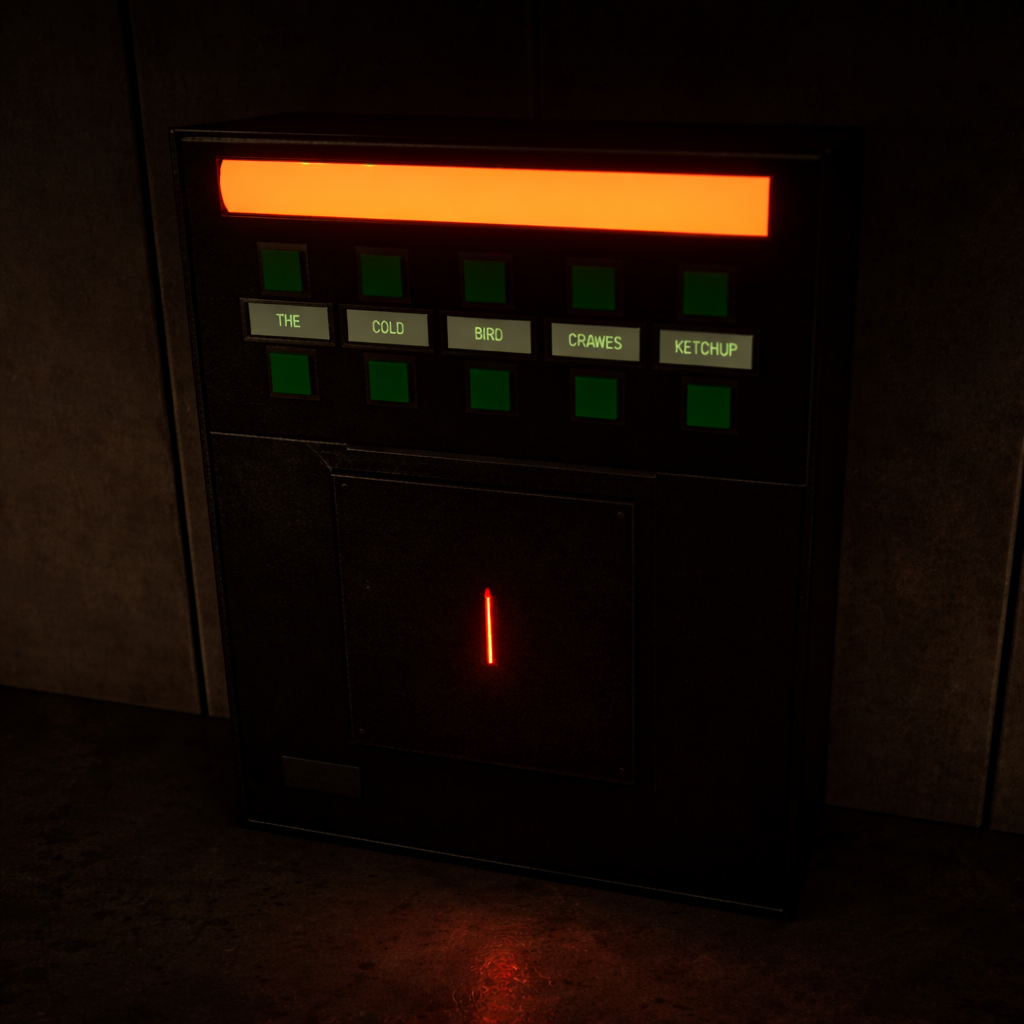
- [POLISH] Set word puzzle console to display a red indicator light on Begin Play to clearly show the unsolved state.
- [POLISH] Adjusted keycard spawn offset so it no longer extrudes excessively from the word puzzle panel.
- [POLISH] Adjusted player walk speed and look speed values to achieve a slower, more deliberate gameplay pace.
- [TEST] Completed a full game run-through successfully with no progression blockers or critical issues encountered.


Why This Matters
- Prevents misleading prompts and “dead” interaction audio after a device is already solved/opened.
- Improves player readability by making LookAt text and unsolved indicators reflect true gameplay state.
- Removes player-visible debug noise and tightens overall polish/pacing for Room 1–2 flow.


Technical Notes
- Widget-level close input required correct focus configuration: Set Input Mode UI Only needed “In Widget to Focus” set, and the keypad widget needed Is Focusable enabled for the close key to work reliably.
- Door LookAt false positives were resolved by setting door frame / wall frame components in
BP_Door_V2to ignore the Interact channel so LookAt prompts trigger only on the intended door target. - Inventory-driven LookAt messaging on
BP_Keycard_Readerwas implemented by detecting the player via collision/overlap, querying inventory state, storing aKeyInInventoryboolean, and gating LookAt text between “Use Keycard” and “Requires Keycard”. - Solved/opened-state gating was applied to prevent both interaction logic and audio side-effects once devices are already in a final state (e.g., switch panels, doors).
Challenges & Lessons Learned
- The keypad widget close input (Q) failed until UI focus was configured correctly, reinforcing that widget-level input handling depends on explicit focus setup (UI-only mode + focus target + focusable widget).
- LookAt reliability improves significantly when non-interactive surrounding components (like door frames) are explicitly excluded from the interact trace channel.
Next Steps
- Apply the centered LookAt HUD pattern consistently across remaining interactables that still need standardized prompts.
- Continue auditing solved/opened-state gates on other devices to prevent post-solve audio/UI side-effects.
- Run another focused playthrough to verify the updated LookAt messaging and gating behavior stays consistent throughout Room 1–2 progression.