
Dev log – Day 12
Summary
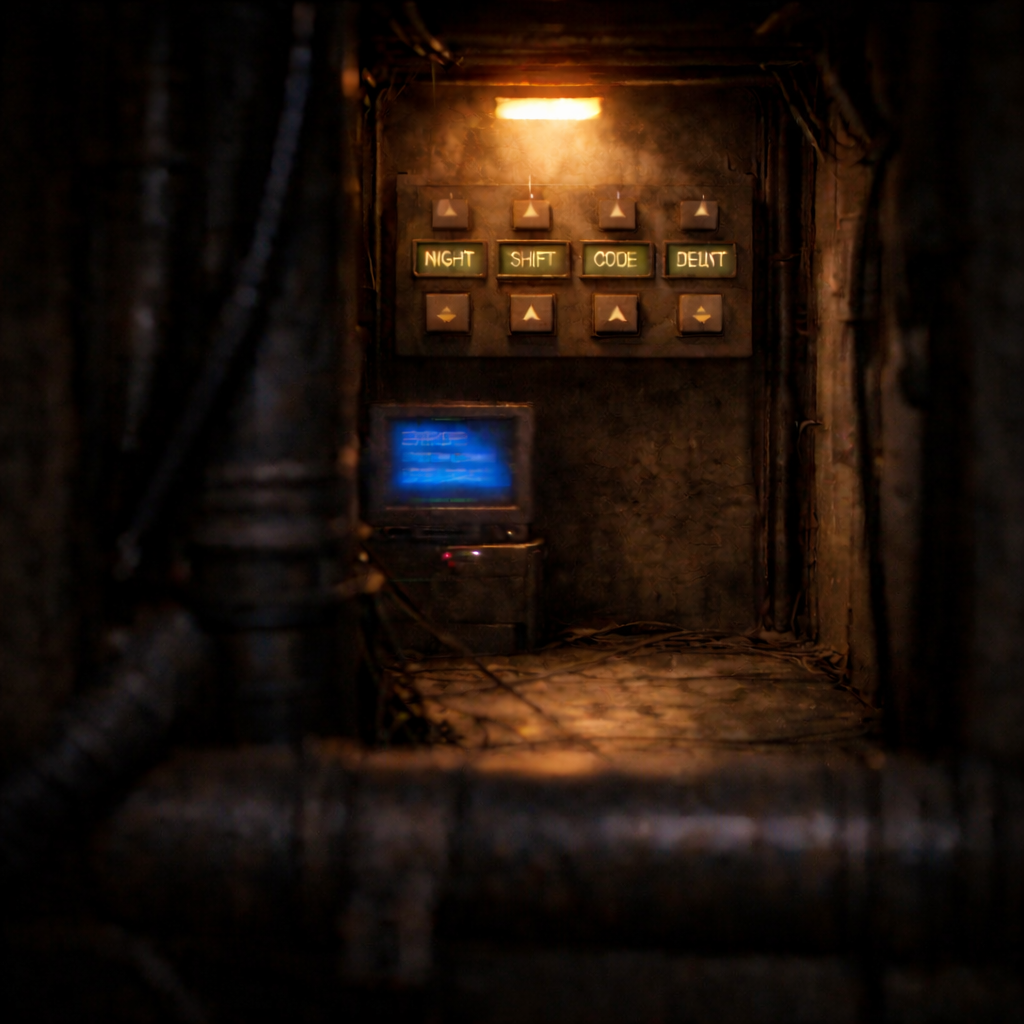
Today was focused on delivering Puzzle E’s full “read → enter → validate” loop in Room 2. I built the 5-slot word-cycler panel as an interactable, ensured each slot cycles independently with wrap-around, added on-panel word displays, and wired deterministic phrase validation that resolves once and locks into a solved state. In parallel, I added a runtime passphrase generation + log monitor reveal pipeline, so Puzzle D can gate access and then power on an in-world monitor that displays the session-stable passphrase used by Puzzle E.
What I Worked on Today
Room 2 – Puzzle E – Word Cycler Panel Implementation
Intent
Implement the interactive word-cycler panel for Puzzle E, allowing the player to reproduce a discovered 5-word passphrase using in-world controls. Ensure the puzzle evaluates correctly, resolves once, and locks into a solved state without unintended retriggers.

What Actually Happened
The word panel actor was created as a trigger-based interactable and progressively expanded to support five independent word slots with per-slot word arrays and wrapped cycling logic. Increment and decrement controls were generalized so each slot could cycle its own word list without affecting others, and display components were added to visually reflect the current selection. Solve evaluation logic was introduced and refined to compare the constructed phrase against a target passphrase, triggering resolution only once and locking the solved state. Gating, visual feedback, and solved-state input blocking were added to prevent early access and accidental re-triggering. The full puzzle flow was then tested end-to-end to confirm correct gating, interaction behavior, validation, and persistence.

Accomplished
- [STEP] Created BP_WordPanel_L2E (BP_Trigger child) and wired BPI_Interact LookAt/InteractWith with bSolved gate
- [STEP] Added 5 slot word arrays and per-slot current indices to BP_WordPanel_L2E and initialized indices on BeginPlay
- [STEP] Initialized Puzzle E word panel with randomized starting word indices per slot, including a safeguard to prevent Slot 2 from ever starting on the correct word to avoid accidental auto-solve
- [STEP] Added GetCurrentWord(slot) helper to BP_WordPanel_L2E to safely retrieve the currently selected word for each slot
- [FIX] Renamed GetCurrentWord input from SlotIndex to PanelWordSlotID to clearly distinguish panel slot selection from per-slot word indices
- [STEP] Added IncrementSlot(PanelWordSlotId) and implemented wrapped word cycling for Slot 0 in BP_WordPanel_L2E
- [STEP] Generalized IncrementSlot(PanelWordSlotId) to cycle and wrap indices for all 5 word slots based on each SlotWords array length
- [STEP] Added DecrementSlot(PanelWordSlotId) to cycle word slot indices downward with wrap-around per SlotWords array length
- [STEP] Created BP_WordPanelButton_L2E interactable with ParentPanel + PanelWordSlotId + Up/Down mode that calls IncrementSlot/DecrementSlot on press
- [STEP] Added RefreshDisplay helper to BP_WordPanel_L2E and wired slot increment/decrement to refresh current 5-word phrase for verification
- [STEP] Added TargetPassphrase + GetCurrentPhrase and solve-check logic to BP_WordPanel_L2E, evaluating after each display refresh
- [STEP] Wired BP_WordPanel_L2E solve state to fire BP_Trigger OnTriggered once and block further slot cycling after completion
- [FIX] Added solved-state gate to word panel buttons so inputs are ignored once the passphrase puzzle is completed
- [STEP] Added ApplySolvedVisuals to BP_WordPanel_L2E and triggered clear solved feedback when the correct passphrase is entered
- [STEP] Gated BP_WordPanel_L2E behind Puzzle D by binding to an UnlockTrigger OnTriggered event and blocking interaction until unlocked
- [STEP] Wired Puzzle E solve evaluation by calling CheckSolve at the end of IncrementSlot and DecrementSlot in BP_WordPanel_L2E
- [STEP] Added five TextRender display components (TR_Slot0-TR_Slot4) to BP_WordPanel_L2E to show each selected word on the panel
- [STEP] Updated BP_WordPanel_L2E RefreshDisplay to set TR_Slot0-TR_Slot4 text from GetCurrentWord(0-4) so the panel screens show the current selected words
- [FIX] Ensured SetInitialWord runs after BeginPlay in BP_WordPanel_L2E so each new game session starts with a randomized initial passphrase state
- [FIX] Called RefreshDisplay immediately after SetInitialWord on BeginPlay to ensure the word panel screens show the initial randomized selection at game start
- [TEST] Verified Puzzle E end-to-end: gated access before Puzzle D, correct slot cycling + display updates, single-solve passphrase validation firing OnTriggered once, and locked solved state with no reset/retrigger
- [NOTE] Consider generating the target passphrase dynamically at runtime using the existing SlotWords arrays instead of a fixed predefined phrase
- [NOTE] Deferred passphrase discovery and random generation to a separate production card; Puzzle E now focuses solely on word panel entry and validation


Why This Matters
- Establishes a reusable, deterministic word-cycler panel pattern for future puzzles.
- Locks in a clean single-solve trigger model that prevents accidental reactivation.
- Provides a clear separation between puzzle input mechanics and passphrase discovery logic.
Level 2 – Puzzle E Add-on – Passphrase Generation & Log Discovery
Intent
Generate a valid passphrase at runtime using the word panel’s existing slot word arrays, and display that passphrase on an in-world log monitor once Puzzle D unlocks access. Ensure the generated passphrase is session-stable and matches Puzzle E’s expected TargetPassphrase.

What Actually Happened
A set-once passphrase pipeline was added to the word panel so a generated phrase can be locked for the session and synchronized with Puzzle E’s target. A generator function was created to pick valid words from each slot array, concatenate them into a single spaced phrase, and commit it through the set-once assignment path. A new log monitor actor and blue-screen widget were created and wired so the monitor remains off until Puzzle D triggers it, then powers on to show placeholder text before displaying the generated passphrase. Several fixes were applied to correct trigger assignment and to properly size/align the widget on the monitor surface. Finally, the displayed output was formatted using a template with a {PHRASE} placeholder and the full integration was verified without regressions.


Accomplished
- [STEP] Implemented SetGeneratedPassphrase in BP_WordPanel_L2E with set-once guard and TargetPassphrase sync for session-stable passphrase assignment
- [STEP] Created GeneratePassphraseFromWordArrays function on BP_WordPanel_L2E with bPassphraseGenerated guard to prevent regenerating the passphrase
- [STEP] Updated GeneratePassphraseFromWordArrays to randomly select Word0 from SlotWords_0 using array-length-based index range
- [STEP] Extended GeneratePassphraseFromWordArrays to randomly select Word1-Word4 from SlotWords_1-4 using each array’s length-based index range
- [STEP] Built NewPassphrase by concatenating Word0-Word4 into a single spaced 5-word string in GeneratePassphraseFromWordArrays
- [STEP] Wired GeneratePassphraseFromWordArrays to call SetGeneratedPassphrase(NewPassphrase) to lock the runtime-generated passphrase for the session
- [STEP] Created BP_LogMonitor_L2E that starts with screen off and turns on automatically by binding to Puzzle D UnlockTrigger OnTriggered (no interaction)
- [STEP] Created WBP_LogScreen_Blue_L2E widget with blue background and TB_LogText placeholder for monitor log display
- [STEP] Added SetLogText(Text) function to WBP_LogScreen_Blue_L2E to allow runtime updates of monitor log text
- [STEP] Assigned WBP_LogScreen_Blue_L2E to BP_LogMonitor_L2E WidgetComponent with screen initially hidden
- [STEP] Wired BP_LogMonitor_L2E to listen for Puzzle D OnTriggered and turn the monitor screen on by setting WidgetComponent visibility
- [STEP] Updated BP_LogMonitor_L2E to set placeholder log text on the screen when the monitor powers on after Puzzle D trigger
- [FIX] Assigned the Puzzle D console trigger as BP_LogMonitor_L2E UnlockTrigger so the monitor powers on and displays the log screen after Puzzle D completion
- [FIX] Adjusted BP_LogMonitor_L2E WidgetComponent draw size and world scale to correctly fit the log screen onto the monitor surface
- [FIX] Centered WC_LogScreen pivot (0.5,0.5) and repositioned WidgetComponent to align the log UI quad cleanly with the monitor screen plane
- [STEP] Updated BP_LogMonitor_L2E to read GeneratedPassphrase from BP_WordPanel_L2E and display it on the monitor screen when Puzzle D triggers
- [STEP] Added log text template to BP_LogMonitor_L2E and injected the runtime passphrase into the displayed system log using a {PHRASE} placeholder
- [NOTE] Consider displaying all possible slot words in the system log, with the active passphrase words visually emphasized (e.g., uppercase) for clearer pattern recognition
- [TEST] All checks confirmed for Passphrase Generation + Log Discovery: monitor activation, passphrase generation, display formatting, and system integration verified with no regressions
Why This Matters
- Establishes a session-stable runtime passphrase pipeline that stays aligned between the word panel’s expected target and the player-facing log output.
- Creates a reusable “monitor turns on via BP_Trigger” pattern for non-interactive, in-world information delivery gated by puzzle progression.

Technical Notes
- BeginPlay ordering matters for initial panel state: ensure initialization (e.g., SetInitialWord) happens, then call RefreshDisplay immediately so TextRender screens reflect the randomized starting phrase.
- Per-slot cycling must be isolated: generalized IncrementSlot/DecrementSlot keyed by
PanelWordSlotIdprevents cross-slot corruption and supports different array lengths per slot. - Solve evaluation timing: calling
CheckSolveat the end of both increment and decrement paths keeps validation deterministic after every input. - Session-stable generation: set-once guards (
bPassphraseGenerated/ set-once assignment) prevent re-rolls and keepTargetPassphrasealigned with what the player reads. - WidgetComponent alignment for in-world monitors: draw size, world scale, pivot (0.5, 0.5), and surface alignment all need to be tuned to avoid UI drift/clipping on the mesh.
Challenges & Lessons Learned
- Avoid accidental auto-solves: randomized starting indices need safeguards (e.g., blocking a specific slot from starting on the correct word) to prevent unintended correct states at game start.
- Prevent post-solve input bleed: once the puzzle resolves, inputs must be ignored at the button level to avoid state mutation or re-trigger attempts.
- Gated world feedback can be cleaner than interaction: binding a monitor “power on” directly to Puzzle D’s trigger provides clear progression feedback without adding extra interaction steps.
Next Steps
- Consider displaying all possible slot words in the system log and visually emphasizing the active passphrase words (e.g., uppercase) to strengthen readability and pattern recognition.
- Follow up on the note to generate the target passphrase dynamically from SlotWords arrays (where appropriate), keeping the pipeline deterministic and session-stable.
- Continue separating passphrase discovery from input mechanics so Puzzle E remains cleanly focused on word-panel entry + validation.