
Overview
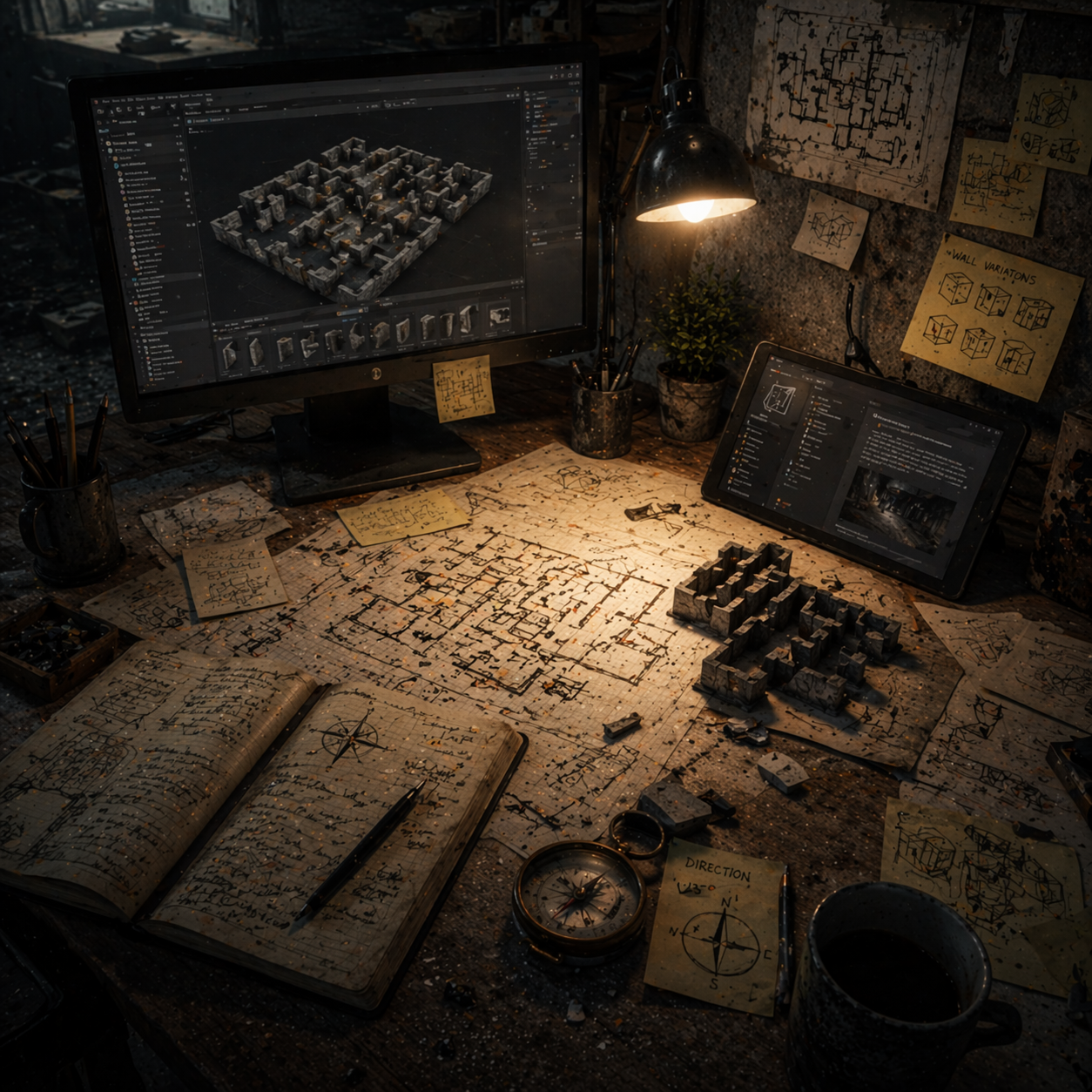
This week focused on improving internal development tools and making the maze-building workflow more practical inside the editor. Most of the work went into expanding the room editor utility so room setup could be handled more directly and with less manual setup, while also beginning a reusable in-editor documentation system to support project organization. In parallel, I added a simple compass feature for player-facing navigation. Overall, the week pushed the project forward more on tooling and usability than on content, laying groundwork for faster iteration on actual maze rooms later on.
Major Accomplishments
- Added a plugin-based modular documentation system for in-editor project documentation.
- Improved the maze room editor to support wall variation toggling.
- Expanded the room editor utility widget so wall meshes and wall visibility can be edited directly.
- Added the ability to reset rooms and select room markers from the utility widget.
- Implemented a simple compass system showing direction and degrees.
Systems Developed or Updated
Modular In-Editor Documentation System
- Provides internal documentation directly inside the editor for project systems and workflows.
- Added a plugin-based documentation system that can be reused across projects. It is already functional enough to support in-engine documentation, though it still needs further refinement.
- Current state: In Progress

Maze Room Editor Utility
- Supports room construction and editing directly through an editor utility workflow.
- Improved the room editor so it can toggle between wall variations, assign wall meshes, set whether a wall is visible, reset the room, and add or select the room marker to edit from the utility widget. This reduces the need to build extra ad hoc tools just to manage room setup.
- Current state: Functional / Needs Expansion

Compass System
- Gives the player a basic directional reference during navigation.
- Added a simple compass display that shows both direction and degree values.
- Current state: Functional

Problems Encountered and Solutions
Problem:
The room editing workflow was still too limited for practical room construction and iteration.
Cause:
The editor utility did not yet expose enough controls for common room-editing tasks such as wall selection, visibility changes, and room reset actions.
Solution:
Expanded the room editor widget so these actions can now be handled directly from the utility workflow, making the system more usable for actual room production.
Problem:
Project systems documentation was not yet organized in a reusable, in-engine format.
Cause:
There was no dedicated in-editor documentation system in place for tracking and referencing systems across development.
Solution:
Started implementing a modular plugin-based documentation system that supports in-engine documentation and can be reused across multiple projects.
Current Project State
The project is currently in a systems and tools implementation phase. Core effort is going into improving editor-side workflows and utility features so actual maze content can be built more efficiently afterward. At this stage, the room editor has become more practical, the internal documentation approach is taking shape, and a simple navigation aid is now in place, but the project still needs more usable room variety and broader content creation before it can move beyond this foundation stage.
Next Week Plan
- Continue refining the modular in-editor documentation system.
- Expand the available wall mesh variety in the room editor.
- Start building actual usable maze rooms with the improved editor workflow.
- Continue improving the room editor utility as needed during content creation.